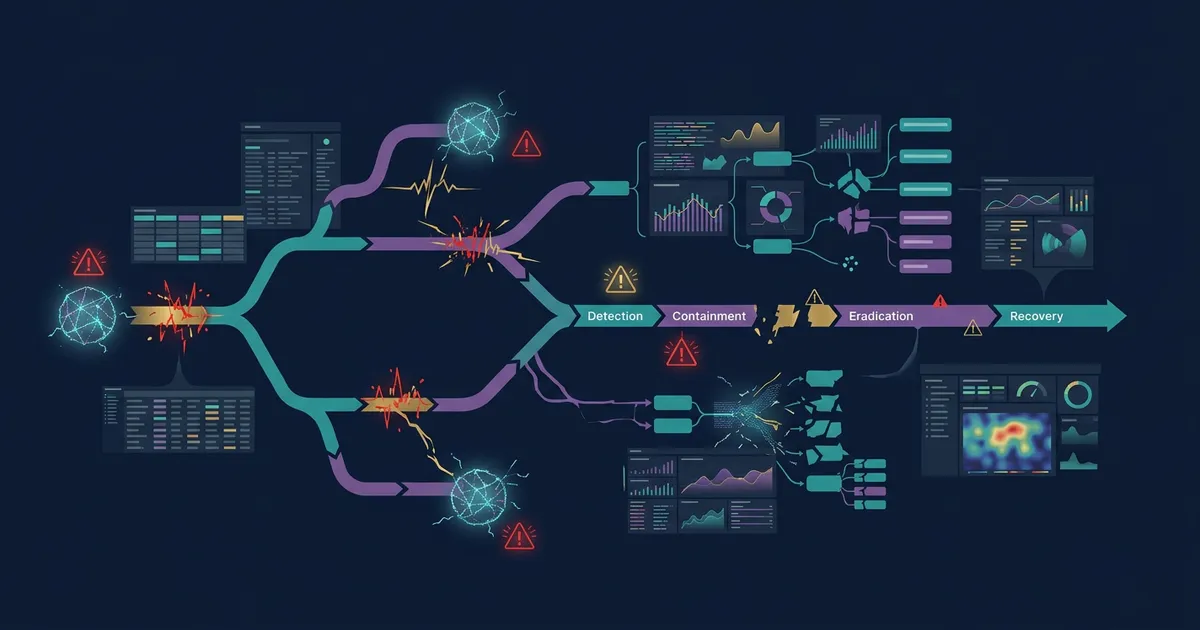
Incident response in the Microsoft 365 tenant: What companies should prepare
Key takeaways
- The most important decisions are made before the incident: who declares the emergency, who talks to customers, the insurer and authorities, and who may shut systems down?
- NIS2 provides for an early warning within 24 hours and a notification within 72 hours. That only works if reporting channels and templates are prepared.
- After an account takeover in Entra ID, a new password is not enough: revoking sessions and reviewing MFA methods, app consents, mailbox rules and sign-in logs belong in every procedure.
- A plan only counts once it has been practised: tabletop exercises, tested restores and working emergency access accounts are the evidence auditors ask for.
Most companies have a document titled “emergency plan”. A real incident shows whether it holds up: whether it is clear who decides, whether IT knows what to do in which order, and whether you can show afterwards what happened. This article describes what you should prepare in a Microsoft 365 environment, first for management, then for IT.
Which decisions does management have to make before an incident?
Management has to decide in advance who declares a security incident, who communicates externally and who decides on interventions in operations. If you only settle this during the incident, you lose the hours in which damage can still be limited.
Settle the following in writing, each with a deputy:
- Declaring the incident: Who classifies an event as an incident, according to which severity model with three or four levels?
- Operational decisions: Who may disable accounts, take systems offline or restrict email traffic, even if that affects revenue?
- Communication: Who informs staff, customers and partners, using which text templates?
- Insurer: Which notification duties and deadlines are in your policy, and which service providers does it name?
- Authorities: For significant incidents, the NIS2 Directive (Art. 23) provides for an early warning within 24 hours, an incident notification within 72 hours of becoming aware, and a final report no later than one month after that notification. For German companies, the national implementation in the BSI Act (BSIG) is decisive. If personal data is affected, the 72-hour deadline of the GDPR (Art. 33) also applies.
Prevent, detect, recover: what does that mean in practice?
No protection is complete. What matters is how quickly you notice an attack and how reliably you can keep working afterwards.
- Prevent lowers the likelihood: phishing-resistant sign-in, managed devices, few and time-limited administrator rights.
- Detect and respond limits the damage: someone assesses alerts within an agreed time and acts according to a procedure.
- Recover secures operations: data and configurations can be restored from tamper-resistant backups, and this has been tested.
What does IT do in the first hour after a suspected account takeover?
IT shuts the attacker out completely; a new password covers only part of that. In practice, this order has proven itself:
- Disable the account or reset the password. Do not send the new password by email; the mailbox may be read by the attacker. For synchronised accounts, change the password in on-premises Active Directory.
- Revoke sessions. In the Microsoft Entra admin center, run “Revoke sessions” on the user so that existing refresh tokens become invalid.
- Review authentication methods. Remove MFA methods or devices registered by the attacker.
- Review app consents. Check under Enterprise applications which apps the user has granted access to (OAuth consents) and revoke unknown ones. Such consents remain in place after a password change.
- Review mailbox rules and forwarding. Rules that delete or move mail or forward it externally are a typical sign.
- Evaluate roles and sign-in logs. Were administrator roles assigned? From where and with which method did sign-ins occur? The sign-in and audit logs in Entra ID show the period you need to investigate.
Record every step with a timestamp. You need this timeline for notifications, the insurer and the post-incident review.
How do Defender XDR and Sentinel help during an incident?
In the Defender portal, Defender XDR merges related alerts into one incident. Automatic attack disruption disables compromised accounts or contains devices for clear attack patterns before a person intervenes. Every action is logged in the Action center and can be undone. Define who releases it after the investigation.
With Microsoft Sentinel, you add automation rules and playbooks: for example notifying the on-call team, creating a ticket or disabling an account after approval. When Sentinel is worth it is covered in the article Defender XDR and Microsoft Sentinel.
Why do emergency access accounts belong in the plan?
If a faulty Conditional Access policy or an attacker locks out all administrators, emergency access accounts (break-glass accounts) are the only way back in. They need: at least two cloud-only accounts, phishing-resistant sign-in with a FIDO2 key or certificate, exclusion from blocking Conditional Access policies, an alert on every sign-in, and a functional check at least every 90 days. Any use outside an exercise is itself an incident.
How do you know that recovery works?
Only by testing. For Exchange Online, OneDrive and SharePoint, Microsoft 365 Backup provides restore points in storage that does not overwrite existing backups. For servers and Azure resources, Azure Backup with an immutable vault and multi-user authorisation protects backups against deletion. Regularly restore a mailbox, a SharePoint site and a server as a test and measure how long it takes. Only then do you know whether your recovery objectives are realistic.
A tabletop exercise complements this: a scenario played through at the table in which management and IT make their decisions without touching any systems.
What should you document as evidence?
- The approved plan with roles, deputies and severity model
- Timeline and decisions for every incident, including incident classification in the Defender portal
- Notifications to authorities, the insurer and affected parties with timestamps
- Records of exercises and restore tests with measured times
- Actions from the post-incident review with an owner and a due date
The next step
In Security Assessments, we review your emergency plan, your emergency access accounts and your recovery in the tenant, and on request run a tabletop exercise with management and IT. With Managed Security & SOC, we take over triage and first response according to agreed runbooks and deliver the evidence.
Frequently Asked Questions
Is changing the password enough after an account takeover?
No. Existing sessions, MFA methods registered by the attacker, granted app consents and mailbox rules remain in place after a password change. Sessions must be revoked and all of these points reviewed.
How often should we practise the emergency plan?
We recommend at least one tabletop exercise a year and after major changes to the organisation or IT. Check emergency access accounts at least every 90 days and schedule restore tests as fixed dates.
Who has to be informed in a security incident?
Internally, management, the head of IT and the data protection officer. Externally, depending on the situation, the competent authority under NIS2, the data protection authority if personal data is affected, the insurer, and affected customers and partners. Define these channels in the plan beforehand.
Do we need our own SOC for this?
Not necessarily. What matters is that alerts are assessed within an agreed time. That can happen internally, through a service provider or in a hybrid model, as long as responsibilities, authority and evidence are settled.